Claude Code Obsidian to CLAUDE.md workflow: context बार-बार न समझाएं
Obsidian notes को CLAUDE.md operating notes में बदलकर Claude Code sessions को resume करना आसान बनाएं.
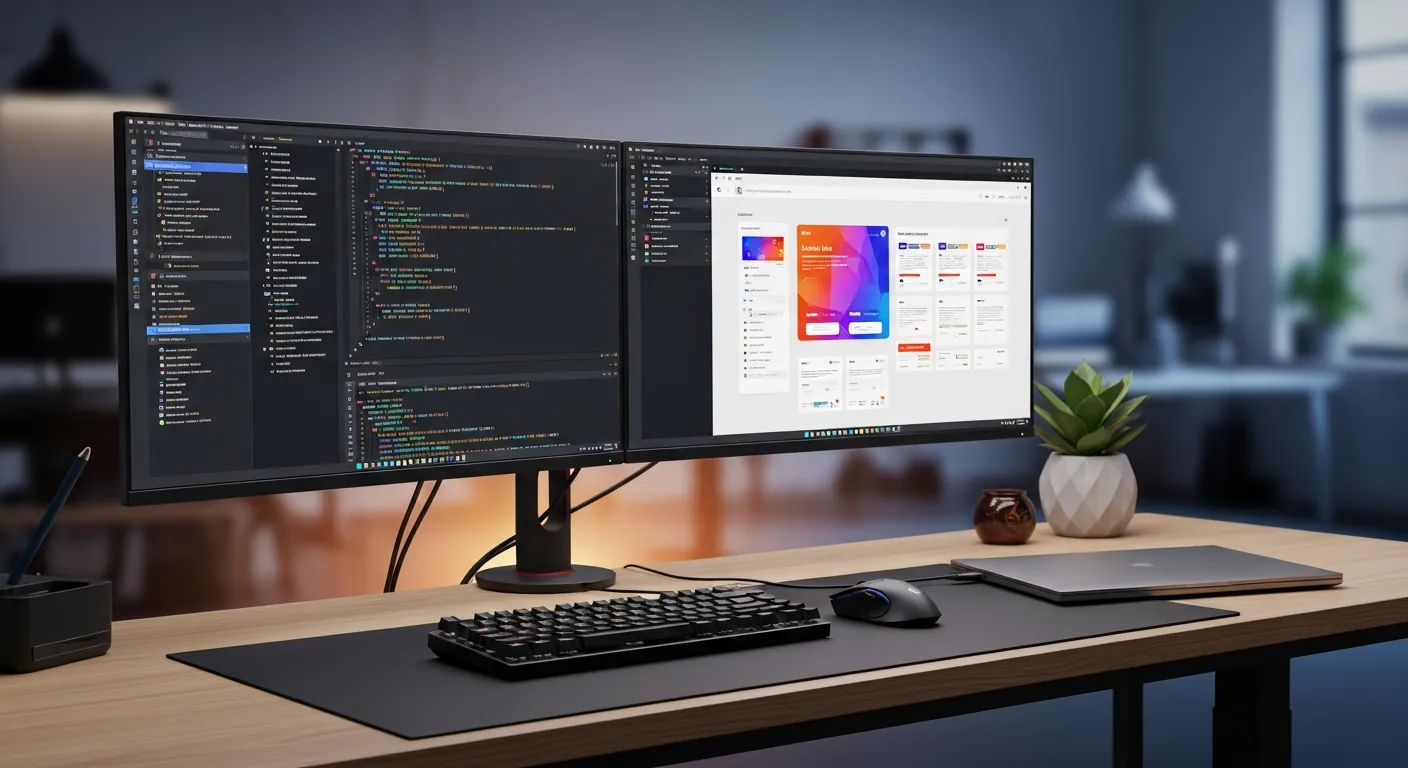
अगर Obsidian vault में work notes हैं लेकिन हर Claude Code session फिर वही context समझाने से शुरू होती है, तो knowledge management और implementation के बीच gap है। यह workflow flexible notes को concise CLAUDE.md operating context में बदलता है।
Obsidian traffic वाला reader केवल integration नहीं चाहता। वह notes को implementation quality में बदलना चाहता है। solution पूरा vault Claude Code को देना नहीं है। current decisions, constraints और proof commands निकालना है।
संबंधित लेख: claude-code-obsidian-integration, claude-code-claude-md-starter-template, claude-md-best-practices.
पहले edit से पहले यह ढांचा क्यों जरूरी है
Claude Code तब सबसे अच्छा काम करता है जब task की boundary साफ हो। अच्छी boundary बताती है कि कौन से files पढ़ने हैं, कौन से edit हो सकते हैं, कौन से operations नहीं चलाने हैं, और work खत्म होने का proof क्या है। boundary न हो तो beginner prompt भी बड़ा rewrite बन सकता है और content change free PDF, Gumroad या consultation path तोड़ सकता है।
यह pattern revenue work में भी मदद करता है क्योंकि technical proof और reader proof को साथ रखता है। local build pass होने पर भी अगर page reader को गलत product पर भेज रहा है, तो काम पूरा नहीं है। scope, command, public URL और CTA record करने से अगली बार memory पर नहीं, evidence पर improvement होता है।
काम में इस्तेमाल होने वाला workflow
- Obsidian में facts, decisions, open questions और next actions अलग लिखें
- हर सप्ताह केवल वह context निकालें जो Claude Code को देखना चाहिए
- stable rules CLAUDE.md में और temporary state handoff note में रखें
- content work में CTA decisions और product routing rules भी जोड़ें
- पुराने decisions हटाएं ताकि always-read context हल्का रहे
| स्थिति | सुरक्षित कदम | प्रमाण |
|---|---|---|
| Content operations | search intent, product fit और CTA choice Obsidian में सोचें। CLAUDE.md में केवल repeated revenue-routing rules रखें। | build, diff, URL |
| Team engineering | पूरा design history Obsidian में रहे, लेकिन Claude Code को current rules और forbidden areas दें। | screenshot, test |
| Debugging | hypothesis history notes में रहे, अगली session को verified facts और next command मिले। | log, command, handoff |
पहला pass छोटा रखें। audit का output बड़ा report नहीं, decision होना चाहिए। अगर 20 मिनट बाद भी decision unclear है, तो safe next step edit शुरू करना नहीं, बल्कि एक और file पढ़ना है।
कॉपी करने लायक prompt और code
इस Obsidian note को पढ़कर तीन हिस्सों में बांटें: CLAUDE.md operating rules, temporary handoff state, और stale information जिसे आगे copy नहीं करना चाहिए।
const note = {
  title: "Checkout copy bug",
  facts: ["mobile CTA wraps", "Gumroad link still works"],
  decisions: ["keep paid CTA after free PDF"],
  commands: ["npm.cmd run build"],
};

export function toClaudeMdBlock(item) {
  return [
    "## Current operating note",
    `- Topic: ${item.title}`,
    `- Facts: ${item.facts.join("; ")}`,
    `- Decisions: ${item.decisions.join("; ")}`,
    `- Proof command: ${item.commands[0]}`,
  ].join("\n");
}

console.log(toClaudeMdBlock(note));
code जानबूझकर छोटा है। यह operating idea को checkable object में बदलता है: scope है, protected areas हैं और proof command जुड़ा है। आप इसे article publishing, app development, debugging या team handoff के लिए बदल सकते हैं।
तीन असली उदाहरण
Content operations
search intent, product fit और CTA choice Obsidian में सोचें। CLAUDE.md में केवल repeated revenue-routing rules रखें।
सबसे जरूरी हिस्सा proof है। एक command, एक visible page या एक note रखें जो दिखाए कि work सच में reader तक पहुंचा।
Team engineering
पूरा design history Obsidian में रहे, लेकिन Claude Code को current rules और forbidden areas दें।
सबसे जरूरी हिस्सा proof है। एक command, एक visible page या एक note रखें जो दिखाए कि work सच में reader तक पहुंचा।
Debugging
hypothesis history notes में रहे, अगली session को verified facts और next command मिले।
सबसे जरूरी हिस्सा proof है। एक command, एक visible page या एक note रखें जो दिखाए कि work सच में reader तक पहुंचा।
जिन गलतियों से बचना है
- पूरा vault देने से old decisions और current constraints मिल जाते हैं।
- CLAUDE.md को diary बनाने से जरूरी rules छिप जाते हैं।
- CTA decisions केवल notes में रखने से article body और product route अलग हो जाते हैं।
दूसरी subtle failure localization drift है। English article सही product path समझा सकता है, लेकिन दूसरे locale में पुराना CTA रह सकता है। इसलिए public check में हर भाषा का h1, opening body और CTA language देखना चाहिए, केवल frontmatter lang नहीं।
reader को free PDF, Gumroad और consultation तक कैसे ले जाएं
अगर reader को अभी commands की आदत चाहिए, तो free cheatsheet से शुरू कराएं। setup, permissions, CLAUDE.md, hooks, MCP या CI/CD में रुकावट हो तो Setup Guide सही paid next step है। review, debugging और refactor prompts बार-बार लिखने पड़ते हों तो 50 Prompt Templates भेजें। team rollout, workflow design या revenue path चाहिए तो consultation पर भेजें। सारे विकल्प देखने के लिए products खोलें।
हर reader को तुरंत paid product पर न भेजें। beginners को पहले low-friction PDF चाहिए। जो prompts दोहराते हैं वे templates के करीब हैं। permissions, CLAUDE.md, hooks, MCP या CI/CD में अटके readers Setup Guide के करीब हैं। team और process सवाल consultation के करीब हैं।
publish से पहले और बाद में क्या जांचना है
इस लेख की verification केवल HTTP 200 नहीं है। h1, शुरुआत का body text, heroImage, internal links, Gumroad links और consultation path एक ही reader intent से जुड़े होने चाहिए।
multilingual publishing में Japanese, English, Chinese, Korean, Spanish, French, German, Portuguese, Hindi और Indonesian अलग-अलग verify करें। slug match हो सकता है पर body stale हो सकती है। mobile screenshot opening paragraph और CTA साथ दिखाता है, इसलिए गलती जल्दी मिलती है।
अगले नंबर जिन्हें देखना चाहिए
अगले metrics हैं PDF starts, Gumroad clicks, products visits, training visits, search source, country mix और article-to-CTA click rate। PV बढ़े लेकिन Gumroad click न बढ़े तो product match मजबूत करें। technical article से consultation visits बढ़ें तो reader को शायद workflow design चाहिए।
संबंधित लेख

Claude Code सेशन हैंडऑफ टेम्पलेट: अगले व्यक्ति या AI एजेंट के लिए संदर्भ बचाएं
Claude Code में लक्ष्य, स्थिति, जांच, जोखिम और अगला prompt बचाने का व्यावहारिक handoff template.

Obsidian के पुराने नोट को Claude Code के ब्रीफ में बदलने की 10 मिनट की रूटीन
Obsidian के पुराने नोट को तथ्य, फैसले और अनिश्चित में बाँटकर Claude Code के सीधे काम का ब्रीफ बनाने की 10 मिनट की रूटीन।

Claude Code personal development roadmap: पहले 30 मिनट से side income तक
Claude Code से learning, weekend project, Obsidian, launch checklist और monetization चलाने की guide।
मुफ़्त PDF: Claude Code cheatsheet
Email डालें और commands, review habits तथा safe workflow वाली एक-page PDF पाएँ.
हम आपका data सुरक्षित रखते हैं और spam नहीं भेजते.

लेखक के बारे में
Masa
Claude Code workflow और team adoption पर काम करने वाला engineer.